How to Create a Wedding Photo QR Code — A 2026 Step-by-Step Guide
A wedding photo QR code lets 80 guests upload to one gallery without installing anything. This is the complete 2026 setup guide: gallery in 5 minutes, card design, placement strategy, and what actually breaks on the night.
A wedding photo QR code lets every guest at your wedding upload their photos to one shared gallery in 3 seconds, without installing an app, signing into anything, or sending you an email three weeks later. The whole setup takes about an hour spread across the week before the wedding.
This is the complete 2026 walkthrough — the exact steps to create the QR code, what to put on the printed cards, where to place them at the venue, what to say in the speech, and the common things that go wrong on the night.
What a wedding photo QR code actually does
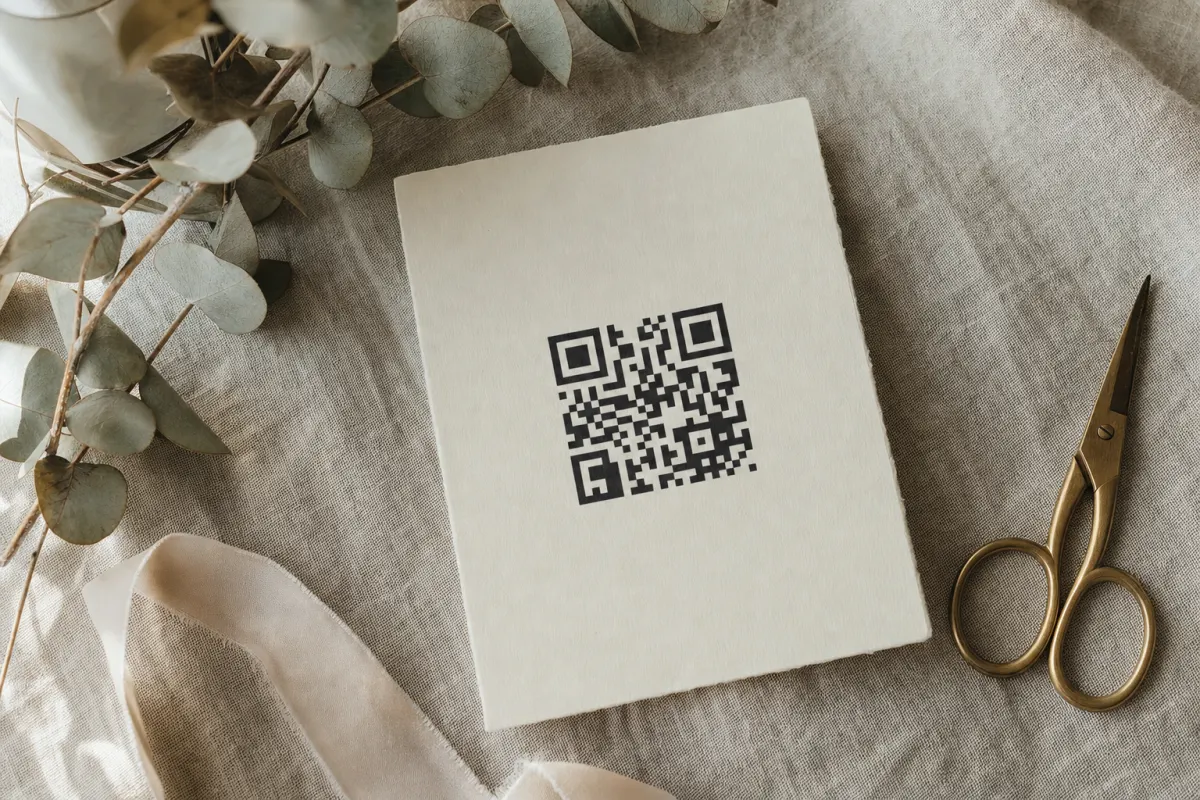
A wedding photo QR code is a scannable square that links to a private upload page for your wedding gallery. When a guest points their phone camera at the code, the camera detects the QR, the phone offers to open the URL, and the guest taps to confirm. They land on a webpage that lets them select photos from their camera roll and upload them in original resolution. The whole interaction takes about 10 seconds per guest.
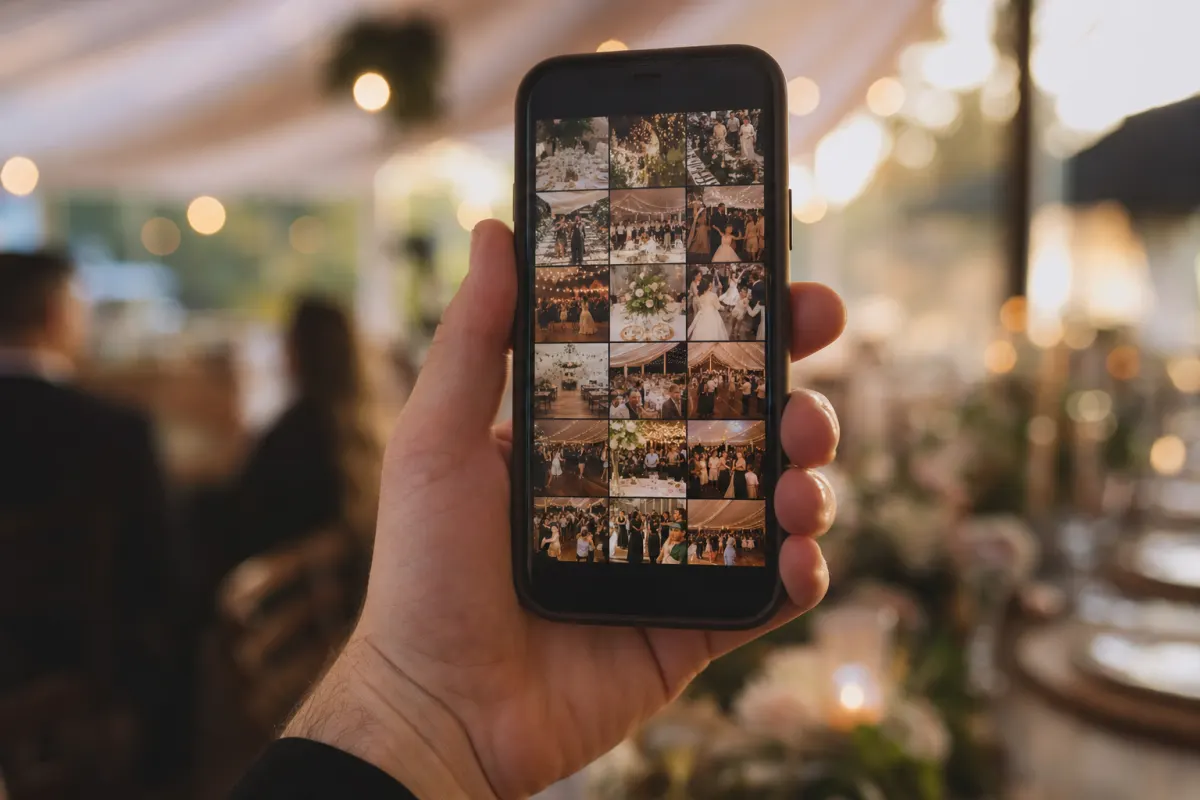
Three things matter about how this works: there's no app to install (the camera and the browser do everything), there's no login (the link is the access key), and the photos arrive in their full original size (no Instagram-style compression). The professional photographer captures the planned shots; the QR gallery captures everything else.
Why this beats every other way of collecting wedding photos
The data on wedding photo collection is consistent across every method couples have tried. Asking guests to email photos collects roughly 10% of the photos that exist. Hoping guests post on social media captures 20–30%. Shared cloud albums (iCloud, Google Photos) collect 30–50% because half the guests bounce at the sign-in screen. A QR-code gallery collects 60–85%.
The reason isn't magic — it's friction. Every step you remove between "guest has a photo" and "photo is in your gallery" doubles the participation rate. The QR-code gallery removes them all: no install, no account, no link to share, no app to switch into.
The complete setup, week by week
4 weeks before the wedding: create the gallery
Set up the event gallery online. The required information is short:
- Event name (e.g. "Emily & James — June 14")
- Event date (the gallery's upload window opens 24 hours before this and closes 12 months after)
- Optional cover photo (used as the gallery's preview image)
Total time: about 5 minutes. The output is a unique URL and a downloadable QR code image.
Why 4 weeks: you want time to design the cards, order print stock, and have a fallback if anything goes wrong with the printer.
3 weeks before: design the QR cards
The card has to do four things in 2 seconds: tell guests what scanning does, make scanning physically possible, feel safe (not a marketing scam), and feel worth doing. The design rules that hit all four:
- Headline: one short benefit sentence ("Share your wedding photos with us")
- QR code: at least 4×4 cm, black on white background (brand colors elsewhere)
- Supporting line: "Point your camera at the square — no app needed"
- Three small icons: camera → QR → upload (helps guests over 60)
- Your names and date at the bottom for personality
Use Canva, Figma, or any design tool. Or skip the design step entirely and use one of our free wedding QR card templates — they include all the elements above, just swap colors and fonts.
The full design rationale (sizes, contrast tests, what breaks scanning) is covered in the QR card design guide.
2 weeks before: order or print the cards
You need at minimum:
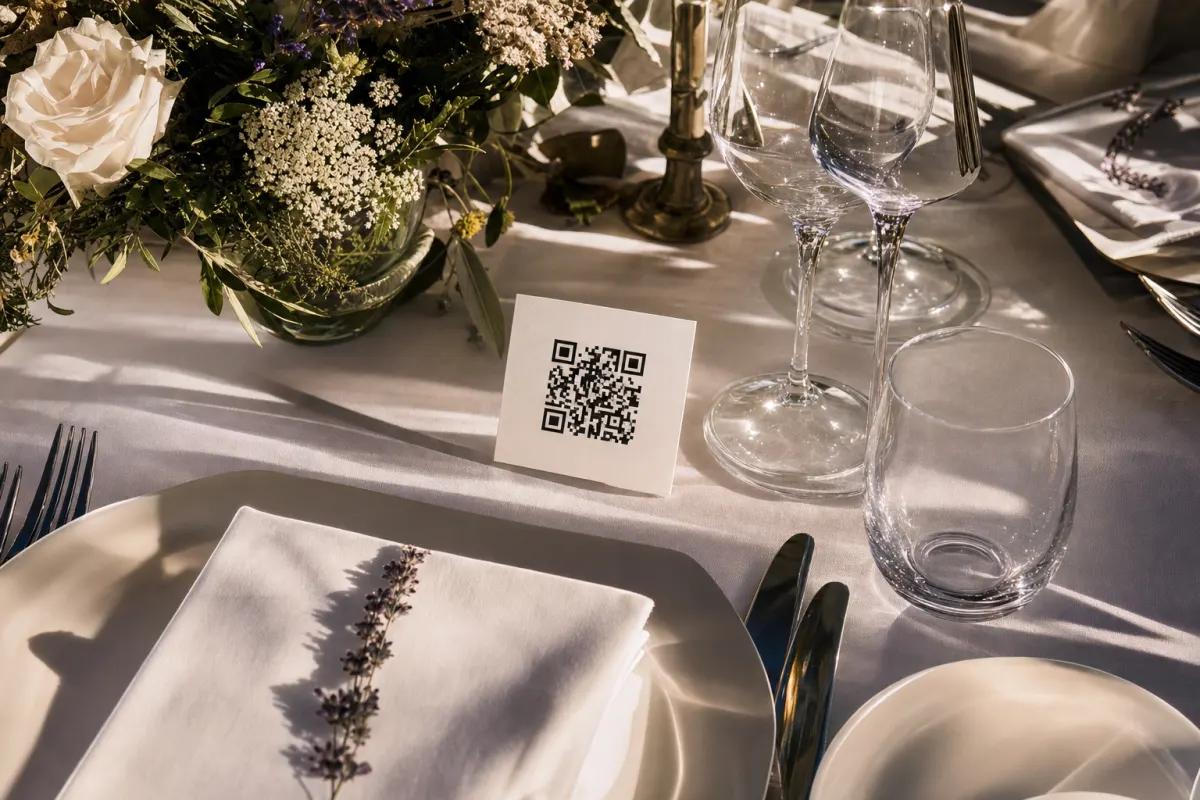
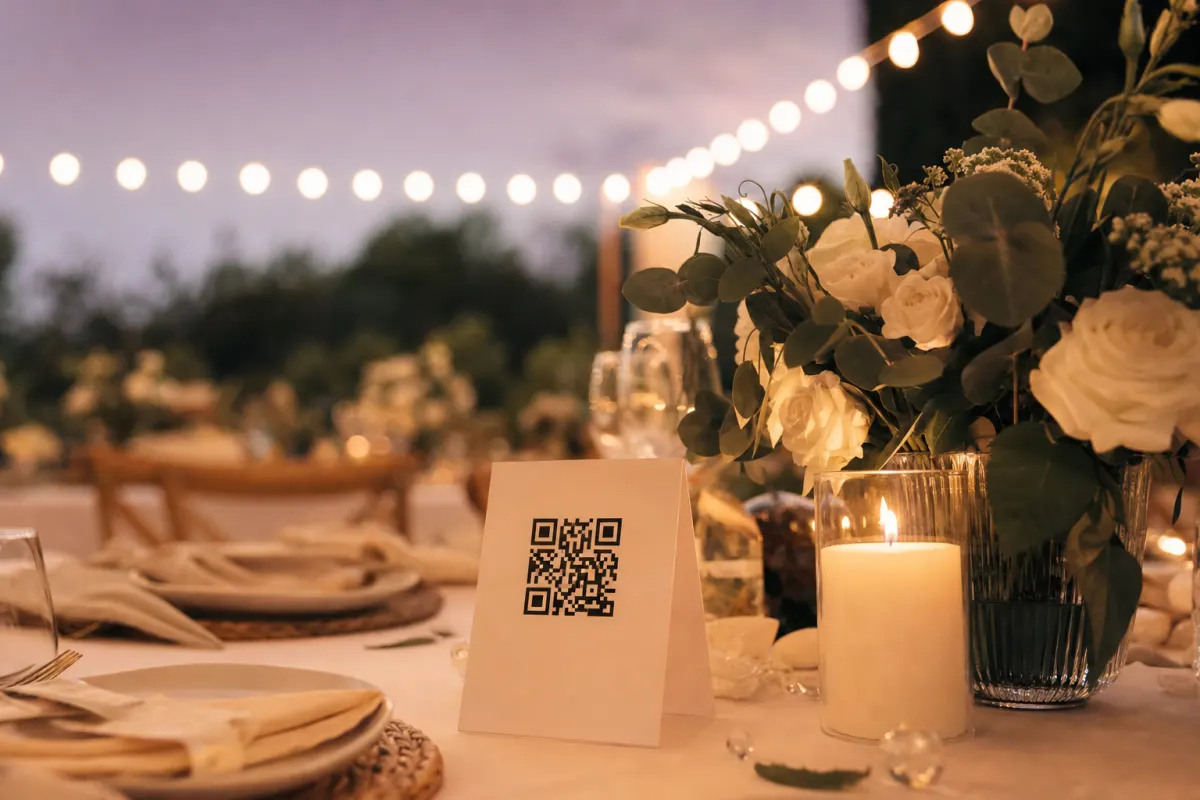
- One folded table tent per dinner table — 8×8 cm, both sides printed (so guests on either side of the table can see it)
- One A2 entrance sign — 15×15 cm QR minimum
- Inserts in the wedding program — small QR with one-line instruction
For a 100-guest wedding with 10-person tables, that's 10 table tents + 1 entrance poster + 100 program inserts. About 30 NOK / €3 in printing costs at any local print shop, or you can print the table cards on home stock with a decent inkjet.
1 week before: test scanning under venue lighting
Print one card. Take it to the venue (or any restaurant with similar lighting). Try scanning with three phones:
- A current iPhone
- A 2-year-old Android
- The oldest phone someone in your family has
If any of the three struggles in 5 seconds, the card needs adjusting before the full batch is printed. Common fixes: bump QR size by 1 cm, switch from cream to white background, shorten the URL.
24 hours before: open the gallery + brief the toastmaster
Most platforms let you control when uploads start. Open the window the night before so the rehearsal-dinner photos and the morning-getting-ready shots can come in.
Brief whoever is doing the welcome on a 15-second mention of the QR code. The wording that works:
"There's a QR code on every table — point your phone camera at it to share your photos with [bride] and [groom]. They want to see the wedding through your eyes."
That's it. 15 seconds. Once at the welcome, ideally repeated by the toastmaster before dinner is served.
Wedding day: place the cards, mention it, enjoy
The cards go on the tables with the centerpieces during venue setup. The welcome speech mentions it once. The photos start arriving while guests are still seating themselves.
Check the gallery a couple of times during the day if you want — many couples find it touching to see the wedding from 80 angles in real time. But you don't have to. The system runs itself.
Two weeks after: send the catch-up reminder
Some guests take photos on their camera but forget to upload before leaving. A short follow-up email with the gallery link captures another 10–20% of the photos that exist. Keep it warm and short:
"Thank you for being part of our wedding. If you took photos and haven't uploaded them yet, the gallery is still open: [link]. We'd love to see what you captured."
Then download the full ZIP of everything. That's the keepsake.
Where to put the cards (placement that matters)
Placement decides the upload rate as much as anything else. The five spots that consistently produce volume:
Every dinner table (highest-volume single placement) — folded card with QR on both sides, between the centerpieces. Guests look at the table for hours. About 70% of total scans come from here.
The entrance sign — A2 or A1 size, photographed by guests as they arrive, then sitting in their camera roll all evening as a reminder.
The bar or cocktail area — small standing card. Guests look at the bar while waiting for drinks. 10–15% of scans.
Inside the program — folded in the seat or handed at the door. Guests revisit the program between speeches.
The bathroom mirror — sounds odd, works well. People are alone with their phone for 30 seconds and have nothing else to look at.
What does NOT work: a single sign at the entrance only, an Instagram hashtag mention without a card, a link in the save-the-date that nobody opens 6 months later.
Design ideas that work for different wedding styles
The constraint across all of them: QR itself stays black on white. Brand goes around it.
Classic and elegant — cream cardstock, serif headline, gold or silver foil border around the perimeter. Black QR in a white frame inside the cream border. Subtle floral corners.
Rustic — kraft paper card, hand-lettered style headline, twine bow optional. Black QR on a small white panel inside the kraft frame.
Modern minimalist — pure white card, sans-serif headline, single accent color line above. Black QR centered with generous white space around it.
Garden / botanical — soft green or blush card, watercolor floral border, headline in script. White QR panel inside the floral frame.
Beach / coastal — sandy textured paper, casual script headline, small palm or shell illustrations. White QR area framed by the texture.
The pattern across all five is the same: brand the card, not the QR. The five rules that make this work in detail are in QR code card design.
What a real Bergen wedding got with this exact setup
A 92-guest wedding in Bergen this past summer used the workflow above end-to-end: gallery created 4 weeks before, cards printed at a local print shop two weeks before, table tents on every table the morning of the wedding, mention in the welcome speech.
Total uploaded by midnight: 1,140 photos and 180 short videos. Catch-up uploads after the post-event email: another 320 photos. Final count: 1,640 photos and 230 videos from 92 guests — about 17 photos per guest.
Time the couple spent collecting these: zero. They downloaded the full ZIP three days after the wedding when they got back from the honeymoon. The professional photographer's gallery, by comparison, was 412 edited photos delivered six weeks later. The QR set was the everything-else of the day.
Common things that go wrong (and how to avoid them)
The QR code is too small. Below 3×3 cm and older phones struggle in dim light. Print at 4×4 cm minimum. This single fix accounts for most low-scan-rate weddings.
Nobody mentions it during the speech. Without a verbal prompt, participation halves. Brief whoever is doing the welcome.
The card has no contrast. A pretty pale grey QR on cream cardstock looks elegant and scans terribly. Black on white is ugly and works every time. Compromise toward function for the QR area, brand everywhere else on the card.
The gallery is closed when guests scan. Make sure the upload window is open the day before so morning-of getting-ready shots can come in.
The URL is very long. Long URLs require dense QR patterns that need more physical space to scan reliably. Use the platform's default short URL.
When this isn't the right setup for your wedding
Be honest about the cases where this won't help:
- You only want professional, retouched, art-directed photos. Hire a photographer. The QR gallery captures the candid stuff the photographer can't be everywhere for. They're complements, not substitutes.
- You're having a 12-person elopement where everyone's already in the same WhatsApp thread. WhatsApp works fine at that scale (and stops working around 30 people).
- You don't want any photos of the wedding to exist digitally for privacy reasons. The gallery is private (only people who scan can access it), but if "no digital copies" is the requirement, you need a no-photos policy instead.
- Your guest list is mostly people without smartphones. A QR code requires a smartphone with a working camera. Rare in 2026 but still happens at certain settings.
If those don't apply, the QR setup is the highest-return hour of wedding planning you'll do.
Final checklist
- [ ] 4 weeks before: gallery created
- [ ] 3 weeks before: cards designed (use free templates if short on time)
- [ ] 2 weeks before: cards printed (test one before printing all)
- [ ] 1 week before: scanning tested under venue lighting on three phones
- [ ] 24 hours before: gallery upload window opened, toastmaster briefed
- [ ] Wedding day: cards placed, mention in welcome, enjoy
- [ ] 2 weeks after: catch-up email with the gallery link
- [ ] When ready: download the full ZIP
That's the entire setup. Time investment: about an hour spread across the four weeks before the wedding. Return: usually 800–2,000 photos from your guests vs. 30 if you don't do this at all.
Frequently asked questions
Do guests need to download an app to use a wedding photo QR code?+
No. The QR code opens a regular webpage in the guest's browser. They tap to select photos from their camera roll and the upload starts. Works on every iPhone and Android made in the past decade. No app store, no login, no account creation.
How many photos can each guest upload?+
Unlimited. The 488 NOK Evenero pricing covers any volume. A photography-enthusiast guest might upload 50 of their best shots; a casual guest might upload 3. Both work the same way.
Will the QR code work for older smartphones?+
Yes. QR scanning is built into the camera app on every iPhone since 2017 and every major Android phone since around 2018. For the rare older phone, the same QR card can include a short text URL the guest types into their browser instead.
Can I customize what the QR code itself looks like?+
You can change the area around the QR (color border, frame, fonts, your names) freely. Don't recolor the QR pattern itself or insert a logo into the center — both reduce scan reliability in dim restaurant lighting. Brand the card, not the QR.
When should I set up the gallery before the wedding?+
4 weeks before is comfortable. That gives you time to design and print the cards (2 weeks), test scanning under realistic light (1 week), and brief the toastmaster (the day before). Setting it up the morning of the wedding works but leaves no margin for fixes.
How long does the gallery stay open for uploads?+
On Evenero the upload window opens 24 hours before your event date and stays active for 12 months after. Photos are stored for 24 months total. Plenty of time to capture rehearsal-dinner shots, the wedding itself, and the slow trickle of catch-up uploads in the months after.
Is the gallery private or can anyone find it?+
Private — the gallery URL is unique and not indexed by search engines. Only people who scanned the QR code at the wedding (or were sent the link directly) can see it. For extra protection you can also require a password before guests can upload or view.
What happens if a guest uploads something we don't want in the gallery?+
As the gallery owner you can delete any photo from the dashboard at any time. Guests can't delete each other's uploads. In practice the inappropriate-photo rate at weddings is very low — guests filter as they go.