5 Wedding Photo Collection Mistakes That Cost You 1,000+ Photos
An average wedding generates 2,000–3,000 guest photos. Most couples see fewer than 50 of them. Five specific mistakes are why — and what to do instead.
An average 80-guest wedding generates 2,000–3,000 photos on guest phones across the day. Most couples see fewer than 50 of them. The professional photographer's gallery covers the planned shots; the rest sit on 80 different phones and quietly disappear into the cloud.
The reason isn't bad guests. The reason is five specific setup mistakes that the couples who get most of those photos all avoid. Here they are, in the order they cost you the most photos.
Mistake 1: Relying on social media to collect them
The plan: guests will post their photos to Instagram and tag you, you'll save them later. Reality: only about a third of wedding guests post anything on social, and a smaller fraction tag the couple correctly. You're also getting Instagram-compressed copies, not the originals — useless for printing.
Worse, the photos that are most worth having are usually the ones nobody posts: the candid moment at the bar, the kid asleep on a chair, the speech reaction shot. Those go in the camera roll and stay there.
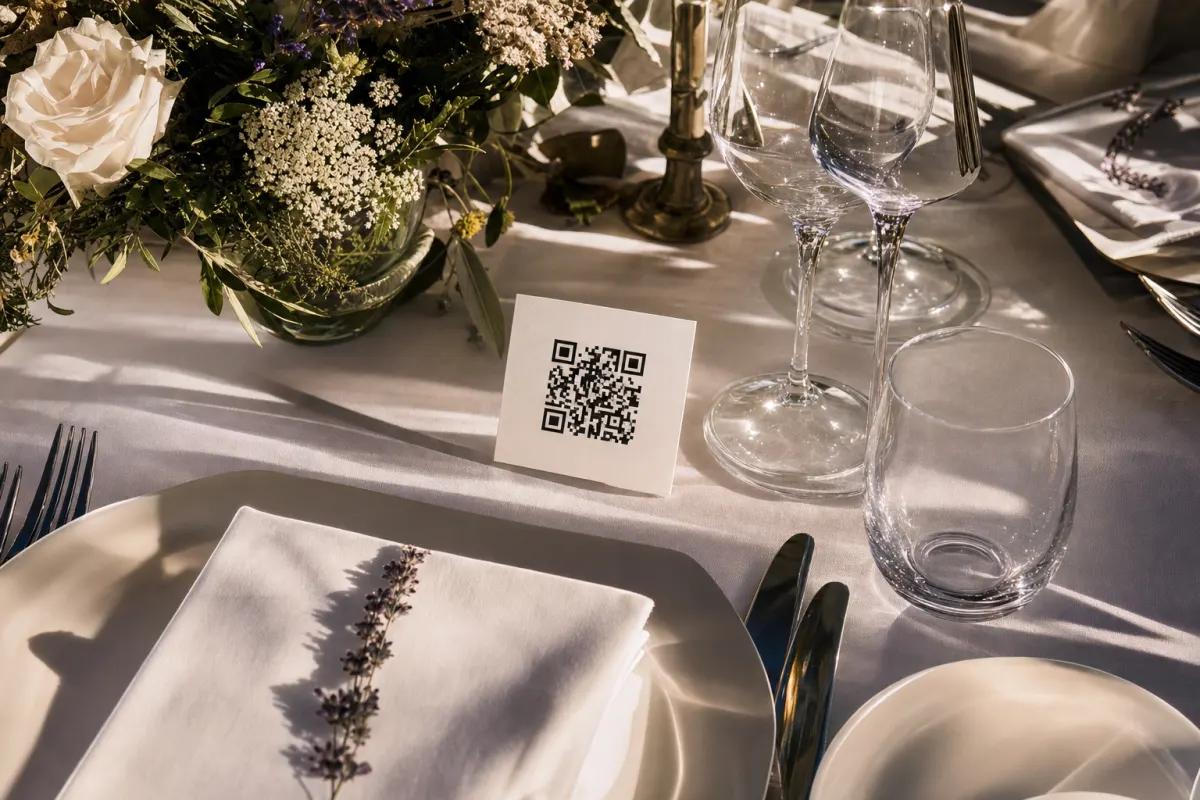
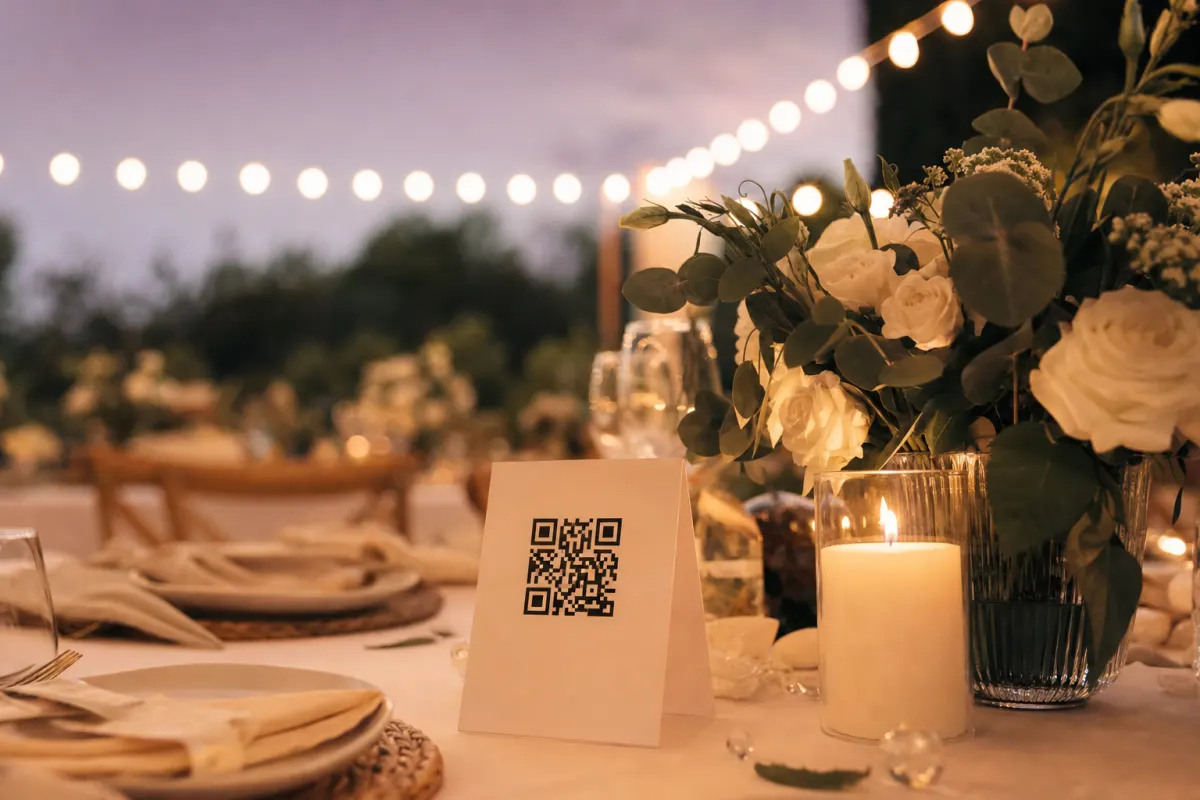
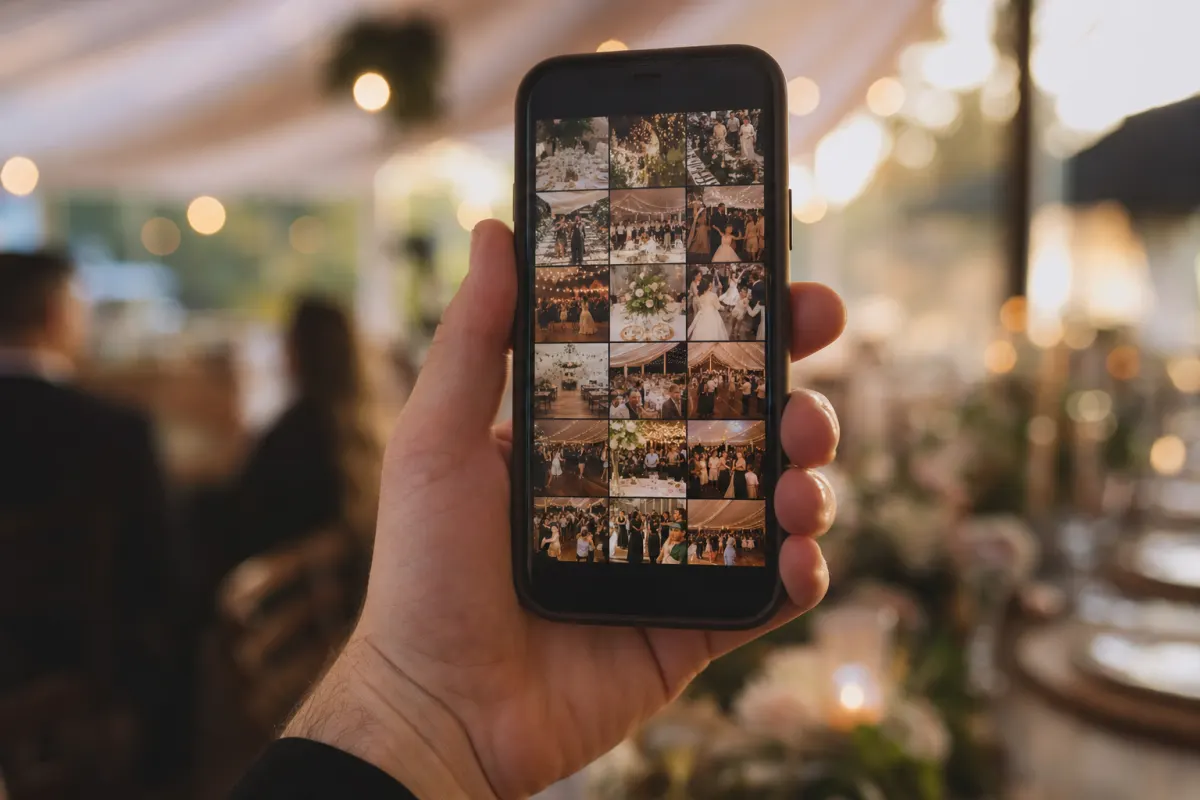
What to do instead: Set up a dedicated photo gallery that guests upload to directly. The QR code is on the table, the upload happens in 3 seconds, the photo arrives in your gallery in original resolution. No social media needed.
Mistake 2: Asking for the photos after the wedding
The plan: you'll send a group text the week after asking everyone to share their photos. Reality: by the time you send it, guests have taken 200 more photos of other things, your wedding photos are buried somewhere in the camera roll, and "I'll do it later" turns into never.
Couples who collect photos this way typically get back about 10% of the photos that exist. Couples who collect during the event get back 80–95%.
What to do instead: Set up the gallery and the QR codes two weeks before the wedding. Have everything in place before the first guest arrives. The first 30 minutes after a guest arrives is when they're most likely to take their first photo and upload it.
Mistake 3: Building a system that requires a guest account
The plan: a Google Drive folder, a shared iCloud album, a Dropbox link. Reality: your 85-year-old aunt has never used any of these. Your tech-phobic uncle gets confused at the login screen. Half the guest list bounces before uploading anything.
The data on this is grim. A shared cloud album typically gets uploads from 20–40% of guests. A QR-code gallery that requires nothing typically gets 80–95%.
What to do instead: Use a system where guests just point their phone camera at a QR code, tap one button, and the upload starts. No account, no app, no login. The threshold has to be "scan and tap" or you're losing the long tail of guests.
Mistake 4: Not telling guests the system exists
The plan: there's a QR code on every table, surely guests will figure it out. Reality: about half the guests don't notice the card, and most of the ones who do assume it's a menu or a contact card.
The fix is dumb-simple but couples skip it constantly: have someone — the toastmaster, the wedding planner, the host — mention the QR code twice during the evening. Once during the welcome. Once during dinner before the first speech. Two 15-second mentions triple your upload rate.
What to do instead:
- Announce the QR code during the welcome speech (15 seconds, scripted in advance)
- Have the toastmaster remind people before dinner is served
- Put a one-line instruction next to every QR code: "Scan to share your photos with us"
- Send the link in the post-event thank-you email for a final round of catch-up uploads
Mistake 5: Setting it up to "start collecting" only on the wedding day
The plan: the gallery goes live the morning of the wedding. Reality: half of the photos worth having were taken in the 24 hours before — the rehearsal dinner, the morning getting ready, the bridal party in the hotel room.
The same QR code can collect those if the gallery is open. Most couples close the upload window too tight.
What to do instead: Open the gallery upload window 24–48 hours before the event and keep it open for two weeks after. Guests upload the morning-of getting-ready shots, the kid running through the hotel, and the photos they took on the train home. Those are some of the most memorable photos in the final set.
What the couples who do this right get back
A real example from a 92-guest wedding in Bergen: cards on every table, mention in the welcome speech, gallery open from the day before. Total uploaded: 1,640 photos and 230 short videos. The couple downloaded the ZIP three days later. They've used the photos as their main memory of the day — the photographer's set is for prints, the QR-code set is for everything else.
The pattern is consistent. Couples who follow the five fixes above get 800–2,000 photos from a typical 80–100 person wedding. Couples who don't get fewer than 100. The setup costs about 30 minutes the week before and 488 NOK total for the platform.
Your wedding photo setup checklist
Two weeks before:
- Pick a QR-code photo platform (Evenero is 488 NOK, no subscription)
- Set up the gallery — name, date, cover photo
- Order or print the QR cards (one per dinner table minimum, plus an entrance sign)
The day before:
- Open the upload window
- Brief the toastmaster on the 15-second mention
- Place the cards on the tables with the centerpieces
The day of:
- Mention it once in the welcome speech
- Toastmaster reminds guests before dinner
- Keep the gallery open for two weeks after for catch-up uploads
After:
- Download the full ZIP
- Send a thank-you note with the gallery link so guests can see what everyone else uploaded
That's the whole job. Skip any of these and you'll lose photos. Do all of them and you'll have a 1,500+ photo record of your wedding from 80 angles.
When you don't need this at all
Be honest about when this is the wrong tool:
- You only want professional, retouched, art-direction photos. The wedding photographer covers that. A QR gallery is for the candid stuff the photographer can't be everywhere for.
- It's a 12-person elopement where everyone's already in the same WhatsApp thread. WhatsApp works fine at that scale (and stops working around 30 people).
- The wedding is being kept private from social media entirely. The QR gallery itself is private (only people who scan can see it), but if you don't want photos of the wedding to exist in any digital form, it's better to ask guests not to take any in the first place.
If those don't apply, the QR setup is the highest-return 30 minutes of wedding planning you'll do.
Frequently asked questions
How many photos does a typical wedding generate on guest phones?+
An 80-guest wedding generates roughly 2,000–3,000 photos across the day. The number scales with guest count and how active the evening is — a high-energy reception with dancing usually doubles the count vs a quiet seated dinner.
Should I tell guests not to use their phones during the ceremony?+
That's a per-couple call. An 'unplugged ceremony' (phones away during the vows so the photographer's shots aren't ruined by guest screens) is common and reasonable. The QR-code gallery is for the rest of the day — drinks, dinner, dancing — when there's no harm in guests shooting freely.
Will guests upload accidentally embarrassing photos?+
Sometimes. As the gallery owner you can delete any photo from the dashboard. In practice the embarrassing-photo rate is very low — guests filter as they go and rarely upload the worst shots. If you're worried, set the gallery to require manual approval before photos appear publicly.
Do we need permission from guests to collect their photos?+
Guests choosing to upload is itself the consent — they tap the upload button knowing what they're doing. For the photos themselves, you generally don't need separate releases for personal-use wedding albums. Commercial use (selling, marketing) requires explicit consent from the people in the photos.
What's the difference between this and the photographer's gallery?+
The photographer captures planned, art-directed, edited shots — the formal portraits, the speeches, the kiss. The guest QR gallery captures everything else: candid table shots, the dance floor at midnight, the kids running around. They're complements, not substitutes.
How do we keep the gallery open during the wedding day if WiFi is bad?+
Guests upload over their own mobile data, not the venue WiFi. Coverage at the venue only matters if guests want to use their phones at all. Even at venues with weak signal, the upload usually completes in the background within an hour.