How to Collect Event Photos with a QR Code: 2026 Practical Guide
An 80-guest wedding produces about 2,400 photos on guest phones. You'll see ten on Instagram. This guide shows the QR-code setup that gets you the rest, in under 5 minutes.
An average 80-guest wedding produces about 2,400 photos on guest phones across the day. You see ten on Instagram and three someone airdrops you in the months after. The other 2,387 sit on 80 different camera rolls and quietly get deleted.
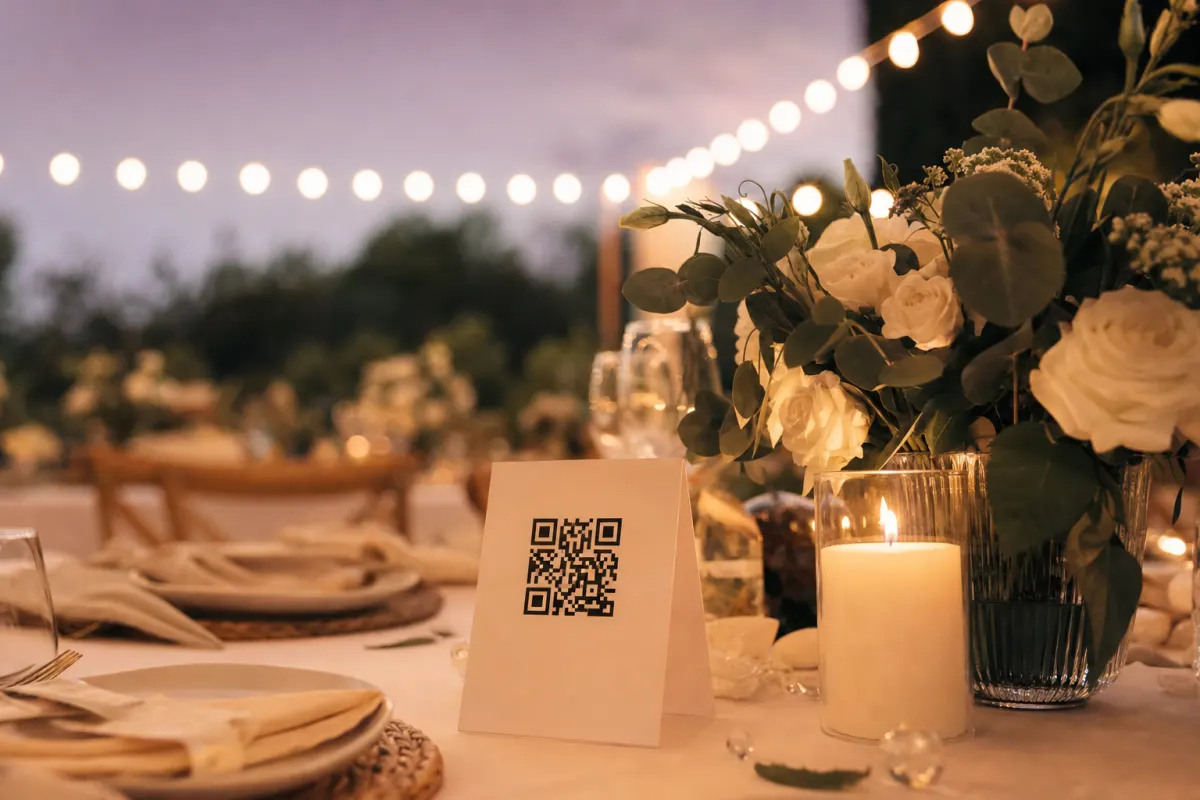
The fix is one QR code on every dinner table. Guests scan it, upload from their phone in 3 seconds, you download every photo in full resolution after the event. No app for guests to install, no logins, no chasing.
This is the practical 2026 guide to setting that up — what to print, where to put it, what kills participation, and when this approach is the wrong one.
Why guest photos matter more than you think
The professional photographer captures the planned shots: the kiss, the speech, the cake, the group portraits. They don't get the table where your aunt told the story everyone laughed at, the kids running through the venue, the bartender pouring something at 11pm. Those happen out of frame.
Guests catch all of them, because they're sitting at the table where it happens. A group of 80 friends with smartphones, each casually shooting throughout the day, produces a photographic record of your event from 80 angles. The hard part has never been taking the photos — it's collecting them afterward.
How a QR-code event gallery works
The setup is the same regardless of what platform you use:
- Create the event gallery online — name, date, cover photo. Two minutes.
- Generate a unique QR code that points to the gallery's upload URL.
- Print the QR code on table tents, entrance signs, program inserts, or all of the above.
- Guests scan with their phone camera — no app to install, the QR opens a webpage where they tap to upload.
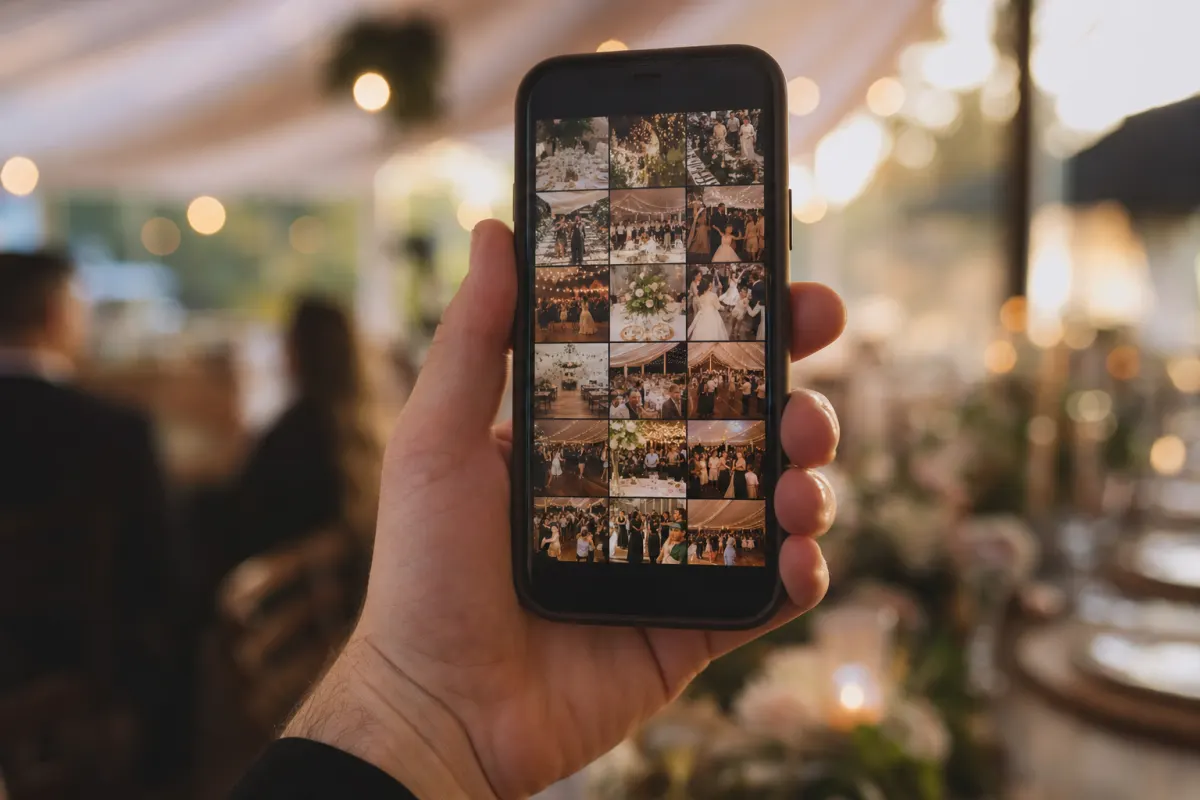
- Photos arrive in your gallery in real time during the event. You download everything as a single ZIP after.
That's it. The whole technical complexity is hidden behind one URL.
Where to put the QR code
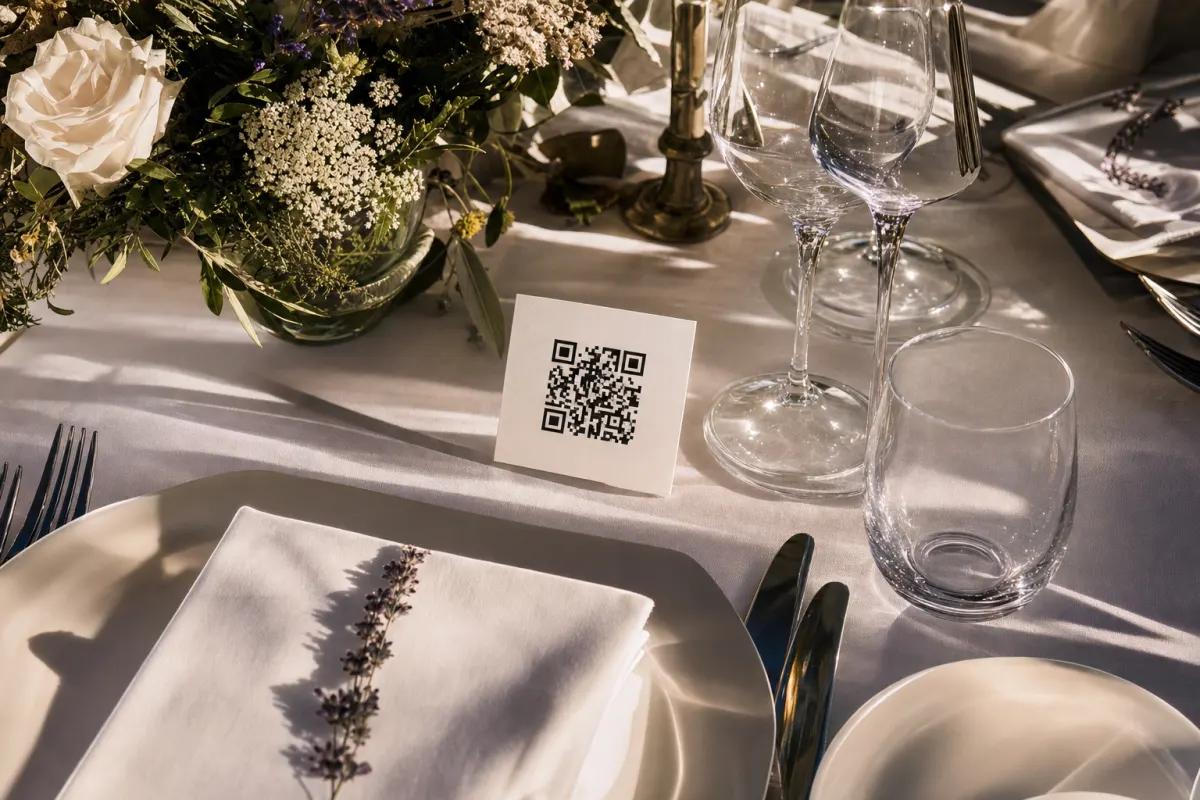
Placement is the difference between 30 photos and 800. The single best position is on every dinner table as a small printed card or table tent. People look at the table for half the evening. They don't look at the entrance after they've walked through it.
Beyond the dinner tables, the spots that produce real upload volume are:
- The entrance sign — A0 or A1 size, photographed by guests as they arrive (they then have it in their camera roll all night).
- Program / order of service — folded in the seat or handed at the door. Guests revisit the program multiple times.
- The bar or cocktail area — small standing card. People are looking at the bar while they wait for drinks.
- The bathroom mirror — sounds odd, works well. People are alone with their phone and a moment of attention.
- The thank-you email after the event — large QR + reminder text. Catches the photos guests didn't get around to during the day.
What does not work: a single sign at the entrance, the projector at the speech, an Instagram hashtag mention. Those rely on someone remembering to act later.
Mistakes that kill participation
Most low-photo events have one of five problems. Fix all five and you'll get 8–10 photos per guest:
Mistake 1: The QR code only appears once. A guest needs to see it three or four times across the evening to actually scan. Multiple placements = multiple chances.
Mistake 2: No instruction text next to the QR code. "Scan with your camera to share photos" needs to be readable in 1 second. Without it, half the guests assume it's a menu or some kind of marketing.
Mistake 3: The host never mentions it. A 15-second prompt during the welcome speech ("the QR code on the tables collects all your photos — we'd love to see them") triples participation. Toastmaster reminders during dinner help too.
Mistake 4: QR code printed too small. Below 3×3 cm and older smartphones struggle to focus on it in dim restaurant lighting. Make it 4×4 cm minimum.
Mistake 5: The card has no contrast. A faint grey QR on a cream card looks elegant and scans terribly. Black QR on white background is ugly and scans every time. Compromise toward function. The W3C accessibility guidance for QR codes covers contrast specifically.
What you need to set this up
Almost nothing:
- An account on a QR-photo platform (Evenero is 488 NOK, one-time, no subscription).
- Access to a printer — home inkjet works fine for table cards, A4 paper plus card stock if you want them stiffer.
- 30 minutes the week before the event to design and print the cards.
- 15 seconds during the welcome speech to mention them.
The free QR card templates we publish use Canva, so you can swap your wedding colors and add your event name in five minutes. Print them at home or take them to a print shop.
What 100 photos looks like in practice
A typical 100-person wedding using a QR gallery collects somewhere between 800 and 1,800 photos across the day. The number depends almost entirely on how visibly the QR code is placed.
A real example from a 92-guest wedding in Bergen this summer: cards on every table (one card per six seats), large QR poster at the entrance, mention in the speech. Total uploaded: 1,640 photos and 230 short videos. Time the bride and groom spent collecting them: zero. They downloaded the ZIP three days after the wedding when they got back from the honeymoon.
Scale that to corporate events: a 200-person company gala using the same setup typically lands around 600–1,200 photos. Lower per-guest because corporate guests are less inclined to shoot constantly, but the marketing team gets a year of LinkedIn content from one evening.
Comparing QR collection to the alternatives
There are five real ways to collect guest photos, and they break in different ways:
Shared cloud album (iCloud, Google Photos): Works only if every guest is on the same platform. About 60% of your guest list isn't. Older guests find the invite link confusing.
Email or WhatsApp: Relies on guests remembering to send, and remembering to send the originals rather than compressed copies. You'll get back about 10% of the photos that exist.
Hashtag aggregation (Instagram, Facebook): You only get what's posted publicly. Most candid family shots never make it to social. You also lose original resolution — Instagram strips it.
Photo booth or disposable cameras: Captures a specific kind of photo (posed, in one location) very well. Misses everything outside that spot.
QR-code gallery: Captures everything because guests upload directly from their phone in 3 seconds. Works on any device. No accounts, no downloads.
The QR approach wins when you want the candid stuff from the whole event, not just one corner. Combine it with the photographer's curated shots and you've covered both ends.
When this is the wrong tool
Be honest about when not to do this:
- You want only edited, retouched, art-direction photos. Hire a wedding photographer. Evenero collects raw guest shots — the photographer makes the wall art.
- The event is highly confidential (a board offsite, a private medical conference). The platform supports password protection, but if guests can't have digital copies of any photo, this is the wrong system.
- Almost all guests are over 80 and don't use smartphones. A QR code requires a smartphone with a working camera. If the room has 5 phones in it, you're better off asking the photographer to share more.
- You need photos archived for more than 24 months. Evenero retains uploads for 24 months. After that you're responsible for downloading and storing them yourself. This is a collection tool, not an archive.
If none of those apply, a QR gallery is the simplest setup that exists for what you're trying to do.
Set this up before your next event
Setting up an Evenero gallery takes about 5 minutes total: name the event, set the date, upload a cover photo, generate the QR code. Print the cards in the days before. Place them on the tables that morning. Mention it once during the welcome.
That's the whole job. The photos start arriving while you're still serving starters.
Frequently asked questions
Do guests need to install an app to upload photos?+
No. The QR code opens a regular webpage where guests tap to select photos and upload. Works on any iPhone or Android camera. No login, no account, no installation.
How many photos can guests upload per event?+
Unlimited. A typical 80-100 person wedding collects 800-1,800 photos. The 488 NOK price covers any volume — the limit is how many photos guests actually take, not what the platform allows.
What happens to the photos after the event?+
They stay in your gallery for 24 months from the event date. You can download the full ZIP at any time, share the gallery link with guests, or both. After 24 months you're responsible for archiving them yourself.
Are the photos full resolution or compressed?+
Full resolution. Modern smartphones produce 4-12 MB JPEGs and Evenero stores them as uploaded. Unlike Instagram or WhatsApp, nothing is downsampled or recompressed. Print quality is preserved.
What if a guest uploads something inappropriate?+
As the gallery owner you can delete any photo from the dashboard at any time. Guests cannot delete each other's uploads. For sensitive events you can also require a password before guests can upload.
Can guests upload videos too?+
Yes. Short videos (under 60 seconds and 100 MB) upload the same way as photos. They appear alongside the photos in the gallery and download with the rest.
How long does the QR code stay active?+
Active for upload during a 12-month event window from your chosen event date. After that the gallery is read-only — guests can still view and download, you can still download the ZIP, but new uploads close. The 24-month storage clock starts at the same time.