Digital Guestbook Ideas for Modern Events: 5 Approaches That Actually Get Used
The traditional paper guestbook gets opened twice — at the wedding and the day after. Five digital guestbook approaches that couples actually keep going back to, and which ones break under real conditions.
The traditional paper guestbook gets opened twice. Once at the wedding when guests sign it. Once the day after when the couple flips through and reads "Best wishes! — Aunt Bjørg". Then it goes on a shelf and stays there.
The reason isn't that guests don't want to leave memories. It's that "sign your name in a book" produces a thin record of an evening. The five digital guestbook formats below produce something the host actually goes back to — months and years after the event. Each one has a setup cost, a participation rate, and a failure mode. Here's what each is honest about.
Why traditional guestbooks under-deliver
Be honest about what a paper guestbook captures: 40–60 short messages, mostly variants of "Congratulations" or "Lovely day, thanks". Handwriting often illegible after the fourth signature. The book sits on one table all evening, creating a bottleneck. Half the guests skip it because the line is too long or they forgot. After the wedding it sits in a drawer and gets looked at maybe once a year.
That's the baseline. A digital guestbook is worth the setup effort if it produces something the couple revisits more often, captures more genuine emotion, or includes more guests. The best formats do all three.
Idea 1: Photo guestbook via QR code (the highest-participation format)
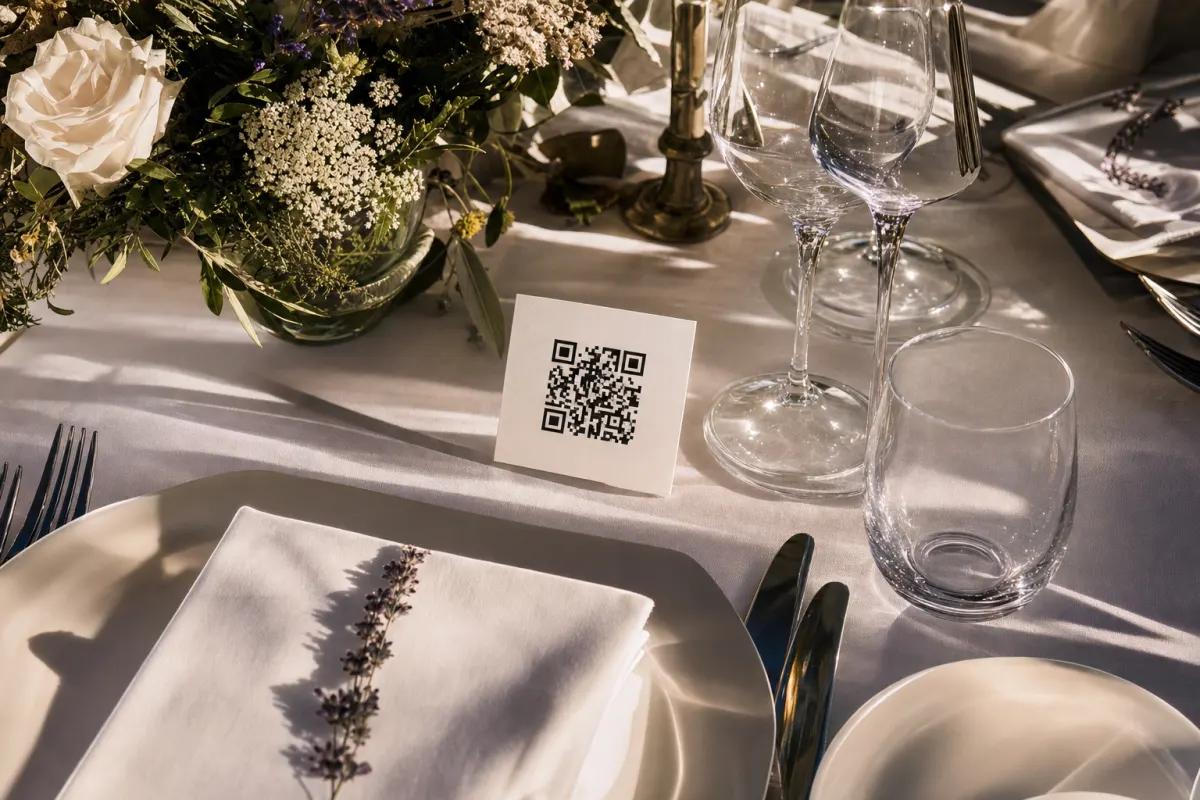
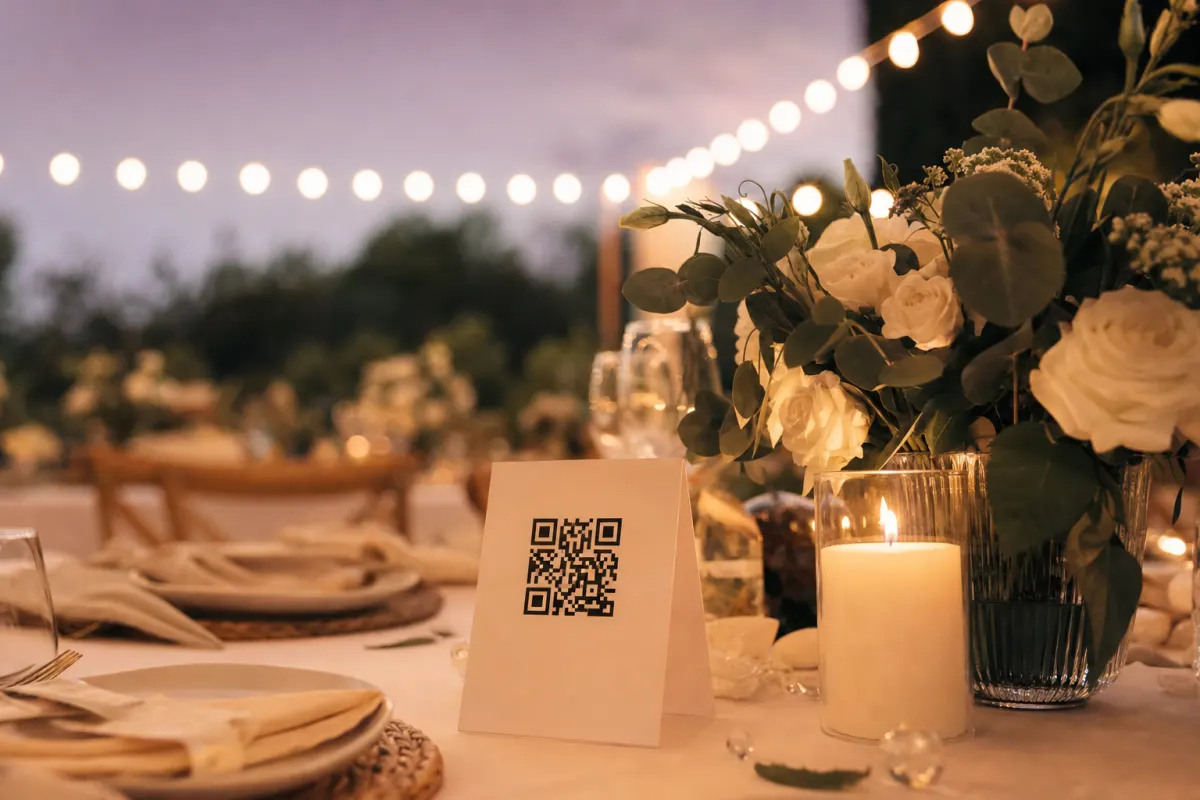
Instead of asking guests to write a message, ask them to upload a photo. The QR code on each table opens an upload page; guests pick a photo from their camera roll and tap upload. The whole thing takes 10 seconds per guest.
Setup time: 30 minutes total (gallery + cards + placement). Cost: 488 NOK for the platform, ~30 NOK in printing. Participation rate: 60–85% of guests upload at least one photo. What you end up with: 800–2,000 photos from a typical 80-guest event, in original resolution. How often you'll revisit it: weekly in the first months, several times a year long-term.
This is the single highest-return digital guestbook format because it taps something guests are doing anyway — taking photos. The shift from "write a message" to "share a photo you already took" is the entire reason participation triples.
The setup detail is in the practical 2026 guide. Card design rules in the 7 rules that triple uploads.
Idea 2: Video message booth
A tablet or phone on a tripod in a quiet corner of the venue. Guests sit down, hit record, leave a 30-60 second video message, hit stop. Compiled into a single anniversary video after the wedding.
Setup time: 45–60 minutes (station, lighting check, signage). Cost: Free if you use existing devices, €100–300 for a more polished setup. Participation rate: 25–45% of guests record (lower than photos because it requires a quiet moment alone). What you end up with: 20–40 video messages, 30 seconds to 2 minutes each. How often you'll revisit it: annually, often around the anniversary.
The tradeoff: deeply emotional content but lower participation. The videos that come out of this are some of the best wedding keepsakes that exist — but only the more outgoing guests will actually use it.
What makes it work in practice:
- Pick a corner away from the band/DJ (audio quality is the #1 thing that breaks it)
- Provide one prompt visible at the station ("What's your wish for them?" works better than "Leave a message")
- Have one person designated to encourage shy guests in the first hour
- Test the audio level once before the wedding actually starts
What kills it: putting the station next to the bar (loud), letting the recordings get too long (no one rewatches a 5-minute message), no prompt visible (guests freeze in front of the camera).
Idea 3: Interactive digital display / live photo wall
A large screen at the venue showing photos from the QR-code gallery as they arrive. Effectively the same as Idea 1 plus a real-time visual element.
Setup time: 1–2 hours (screen, projector, software, cabling). Cost: €200–800 for the display rental and AV setup. Participation rate: Same as Idea 1 (60–85%) — people scan the QR code, the screen is the visualization, not a separate participation step. What you end up with: Same photo set as Idea 1, plus a piece of evening entertainment. How often you'll revisit it: Same as Idea 1; the display is for the night itself, not for archiving.
This works at corporate events and large weddings where guests already enjoy looking at the wall — adds a "how is the gallery growing right now" element to the evening. At smaller intimate weddings it can feel over-engineered.
Idea 4: Audio message booth (the "vintage phone" guestbook)
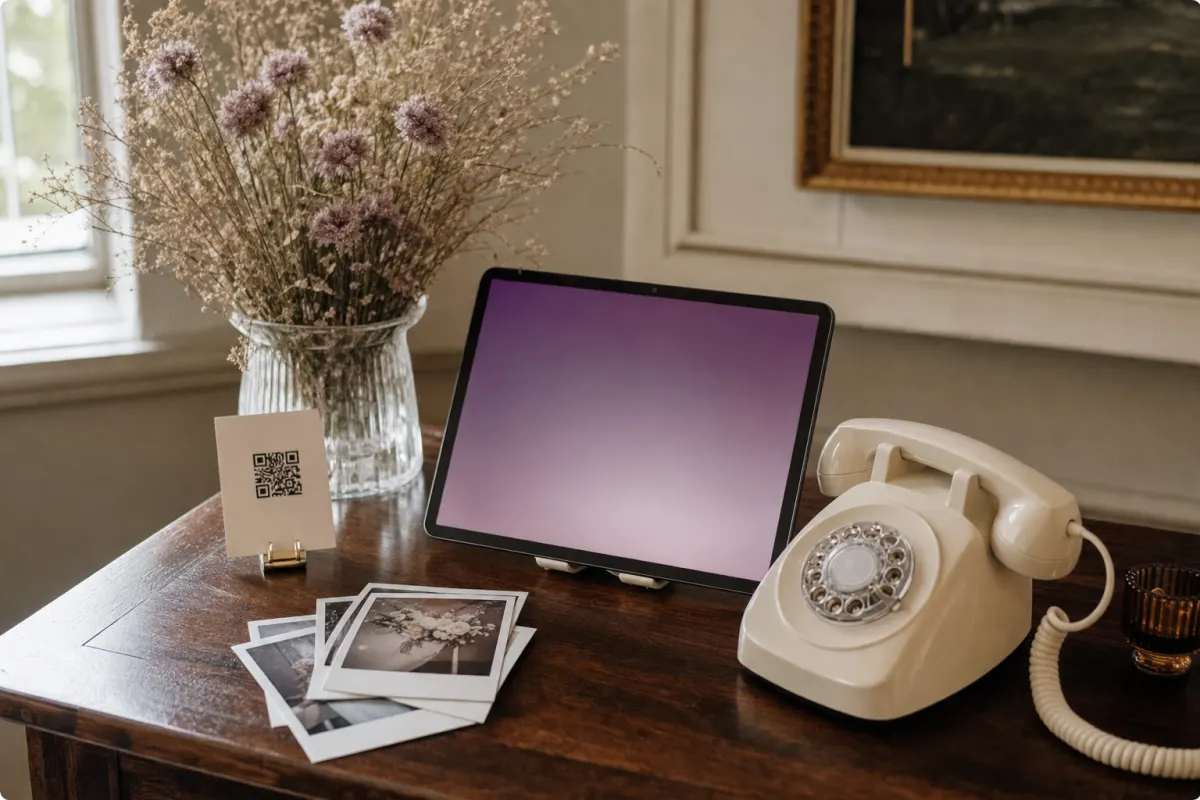
A retro telephone handset (real or styled) connected to a recording device or computer. Guests pick up the phone and leave a voice message. All recordings are saved and compiled afterward.
Setup time: 30 minutes if you rent the kit, 2 hours if you DIY. Cost: €150–400 for rentals, €50–100 for DIY using a USB phone handset and laptop. Participation rate: 30–50% of guests leave a message. What you end up with: 25–50 audio messages, 30 seconds to 2 minutes each. How often you'll revisit it: anniversary tradition for some couples, less than video for most.
The vintage phone doubles as a conversation piece during the evening. Less intimidating than video for camera-shy guests. The audio quality is more forgiving than video because microphones close to the mouth ignore most ambient noise.
What kills it: positioning the phone in a loud area; not testing the recording device beforehand (people pick up, talk, and the recording fails); no clear "press this to record" instruction.
Idea 5: The hybrid — photo gallery plus one secondary format
The most-used setup at weddings that have any digital guestbook at all: photo gallery (Idea 1) as the primary method, plus one of the others as a secondary station.
Setup time: 1–2 hours combining both. Cost: 488 NOK platform + €0–400 for the secondary format. Participation rate: 60–85% on the photo gallery, 20–40% additionally on the secondary station. What you end up with: 800–2,000 photos AND 20–40 deep personal messages (audio or video).
Why this combination works: the photo gallery captures volume and casual contributions; the secondary station captures depth from the close family and friends who want to leave something more personal. Each format catches the guests the other format misses.
The most common combination in 2026: QR-code photo gallery + audio message booth. The audio is easier to set up than video, less intimidating for guests, and pairs well with a photo gallery as the visual component.
How to actually run a digital guestbook at the event
Whatever format you pick, the practical execution matters more than the technology choice:
Tell guests it exists. A 15-second mention by the toastmaster during the welcome triples participation across all formats. Most events that "tried a digital guestbook and it didn't work" simply didn't tell anyone about it.
Make participation feel safe. Older guests in particular won't engage with anything that feels like they could "do it wrong". Clear signage, optional, no public display of who participated and who didn't.
Run it alongside a small paper guestbook if you want. A small traditional book on the welcome table catches the guests who really do prefer writing. The QR gallery catches the other 80%. They're not mutually exclusive.
Have a backup. Tablets fail. Internet goes down. Have a 30-second mental plan for what to do if the screen freezes or the camera dies. Usually the backup is "take photos with your own phone, sort it out tomorrow".
What the photo set actually looks like afterward
A typical 80-guest wedding using a QR-code photo guestbook produces about 1,200–1,800 photos. The split is roughly:
- 30% candid table shots (people talking, laughing, eating)
- 25% dance floor photos (later in the evening)
- 15% getting-ready and pre-ceremony shots (uploaded by family who were present)
- 10% group selfies and posed shots
- 10% details (cake, flowers, decor)
- 10% kids, pets, in-between moments
The professional photographer's gallery, by comparison, is usually 300–600 edited photos heavily weighted toward the planned shots: ceremony, portraits, key reception moments. Together they're a complete record.
Turning the digital guestbook into a physical keepsake
The digital format is convenient for collection. The physical version is what gets revisited 10 years later. Three approaches that work:
Photo book. Pick the best 80–120 photos and order a printed photo book (Saal Digital, Mixbook, Blurb, etc — choose what's available locally). Total cost: €60–150 for a high-quality coffee-table book. Time investment: 4–8 hours selecting and laying out.
Framed wall art. Pick the 5–10 most meaningful photos and frame them. The wedding photographer's set usually provides one or two of these; the candid set from the QR gallery often provides more.
Anniversary slideshow. A few couples build a 5-minute slideshow combining the best photos, the audio messages from the booth, and the speeches. Played on the first anniversary. Time-consuming to make once but pays off every year.
When to skip the digital guestbook entirely
Be honest about cases where this isn't worth setting up:
- Sub-20-person events. A WhatsApp group does the job at this scale. The QR setup overhead isn't worth it.
- Heavily traditional or older guest list where guests genuinely prefer paper. The QR gallery still works, but participation will land lower than the 60–85% range.
- Events where you don't actually want photos. Corporate offsites with confidential content, ceremonies where photos would feel intrusive. Don't set up a guestbook just because you can.
- Events where the entire point is the people on stage (formal awards ceremony, conference keynote). The guests aren't there to be photographed — the speakers are. Hire a photographer for the planned shots.
For weddings, milestone birthdays, anniversary parties, and most corporate galas, a digital guestbook (especially the photo format) consistently outperforms paper. The setup is short, the participation rate is high, and the keepsake is something you'll actually revisit.
Setting up the photo guestbook specifically
If the photo gallery is the right format, the setup is the same as any QR-code event gallery:
- Create the event gallery (5 minutes online)
- Generate the QR code
- Print table cards using one of the free Canva templates (30 minutes)
- Place cards on every dinner table the day of the event
- Mention it once in the welcome speech
- Download the full ZIP after the event
Total time: about an hour spread across the week before. Cost: 488 NOK on Evenero, no subscription.
Frequently asked questions
What's the best digital guestbook alternative for a wedding in 2026?+
A photo guestbook via QR code has the highest participation rate (60–85% of guests) and the lowest setup overhead. Pair it with a secondary format (audio message booth or video booth) if you want deeper personal messages from close family alongside the photo volume.
How does a photo guestbook work at a wedding?+
Guests scan a QR code on the dinner table with their phone camera. The code opens a webpage where they pick a photo from their camera roll and upload it. No app, no account, no login. Photos arrive in your gallery in original resolution and you download them all as a ZIP after the wedding.
Can we run a paper guestbook AND a digital one?+
Yes — they're complementary. A small paper guestbook on the welcome table catches the guests who genuinely prefer writing (often older relatives). The QR-code photo gallery catches the other 80%. Total participation is higher than either format alone.
How do we turn the digital photos into a physical keepsake?+
After the event, download the full ZIP and pick the best 80–120 photos for a printed photo book (services like Saal Digital, Mixbook, Blurb work well). Cost: €60–150 for a coffee-table book. Time investment: 4–8 hours of selection and layout.
Are digital guestbooks suitable for corporate events?+
Yes — corporate event photos from a QR-code guestbook double as a year of marketing content (LinkedIn posts, careers page, recruitment material). The participation rate is lower than weddings (3–8 photos per attendee vs 10–20) but the curation rate matters more for corporate use.
What if a guest uploads something embarrassing or private?+
As the gallery owner you can delete any photo from your dashboard. The inappropriate-photo rate at private events is very low — guests filter as they go and rarely upload the worst shots. For sensitive events you can also require manual approval before any photo appears in the gallery.
Is a video booth better than an audio booth?+
Both capture deeper messages than text. Video is more emotional but has higher friction (lighting, camera-shyness, harder setup). Audio is easier for shy guests and more forgiving on quality but loses facial expression. For most weddings, audio gets used by more guests; video produces the few messages that hit harder.