Corporate Event Photo Strategy: A Year of Content From One Evening
A 200-person company event generates roughly 6,000 guest photos. Most companies see ten of them. Here is the practical framework for collecting the rest and turning them into 12 months of marketing content.
A 200-person company event generates roughly 6,000 photos on guests' phones across the evening. The marketing team usually sees ten — the ones that end up on LinkedIn. The other 5,990 sit in 200 separate camera rolls and get deleted within a year. This guide is about getting them into one folder you can actually use.
What you actually get from a 200-person event
Set up properly, a 200-person company gala with QR codes on every dinner table typically lands in this range: 600 to 1,200 uploaded photos and 80 to 150 short videos. From that haul a marketing team can usually pull:
- 30–50 photos worth posting across social channels over the next 6 months
- 5–10 hero shots usable on the careers page or recruitment landing
- 2–3 video sequences that work cut into recruitment or culture content
- A handful of candid client-team interactions worth turning into case studies (with explicit consent before publishing)
- 100–150 photos for the internal newsletter and Slack channel
Without that folder you have one staff photographer's gallery, maybe ten LinkedIn posts the next morning, and not much else. The cost of switching from "no system" to "QR code on every table" is about 30 minutes of setup and the price of one photo platform.
The framework — pre-event, during, after
Before the event (the week before)
The setup itself takes about 30 minutes. The decisions take longer:
Privacy and consent. This matters more for corporate than for weddings. Decide upfront: are photos for internal use only, or will some be used externally for marketing? If external, the registration form should include a checkbox where attendees agree their image may be used in company marketing. Without that, you can collect photos but you can't legally publish them in many jurisdictions.
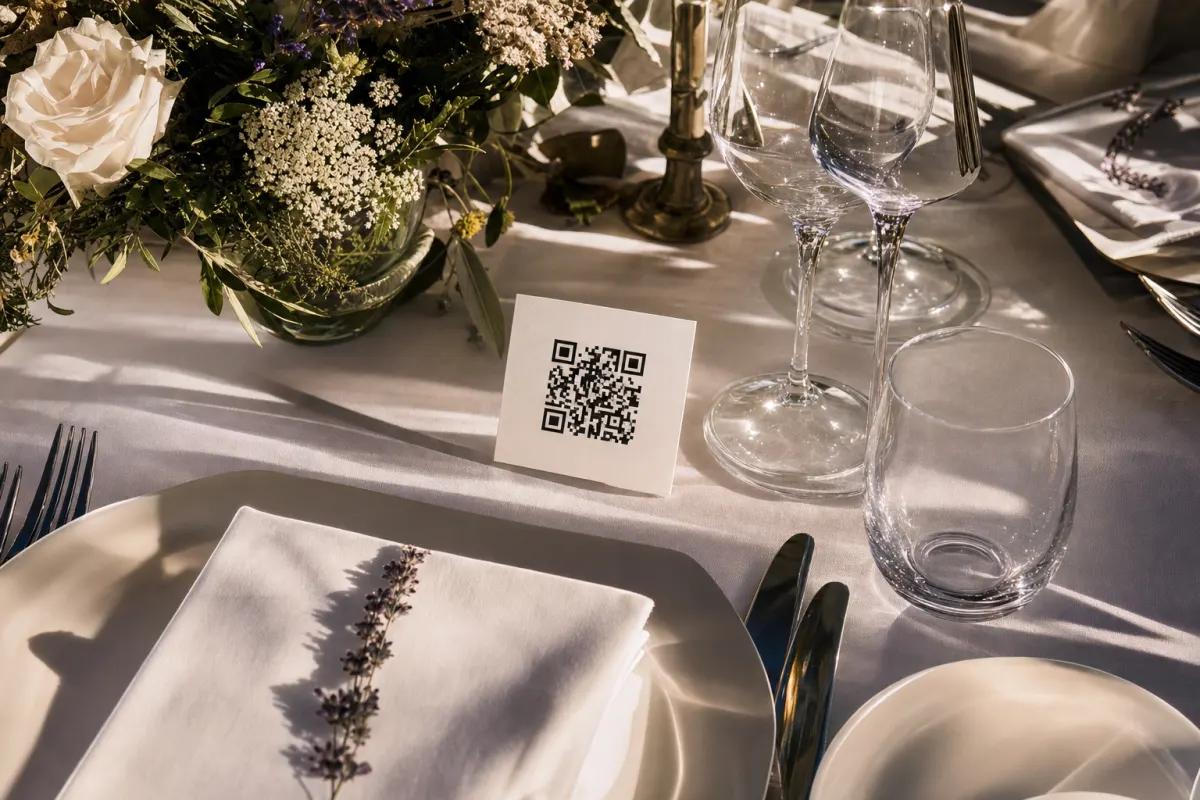
Brand the QR cards. Your wedding-style QR template won't work for a corporate event. Design table tents in company colors with the company logo and a short instruction line. Five minutes per template in Canva.
Place the QR codes intentionally. Five spots that consistently produce uploads:
- One card per dinner table (the highest-volume single placement)
- Standing card at the registration desk (caught while waiting in line)
- Sign at the bar or networking area (caught while waiting for drinks)
- Slide at the start of the program (the one slide before the host steps on stage)
- QR in the post-event email the next morning (catches the photos taken late and never uploaded)
During the event
Three things tip the participation rate from "okay" to "excellent":
Mention it from the stage twice. Once in the opening welcome, once midway through the evening (typically right before dinner is served, when everyone's looking at the host anyway). 15-second mentions, scripted in advance.
Have one person watch uploads in real time. Designate the comms or events coordinator to refresh the gallery every 30 minutes. They flag anything that needs to come down (rare in corporate settings — usually photos accidentally including confidential whiteboard content), and they can spot moments to amplify on the company social channels right then.
Make participation low-friction. No login. No app. No "scan, then download, then…". The whole reason this works is the upload happens in three taps from the camera roll. If your platform requires more than that, you'll cut your participation rate in half.
After the event
The folder is now the asset. Three things to do in the first week:
- Download the full ZIP and back it up to your asset library. The platform retains uploads for 12–24 months depending on the service, but you should own the originals on your own storage.
- Send a thank-you email with the gallery link and a "share your photos" prompt for last-minute uploads. Catches another 10–20% of the photos that exist.
- Tag and curate. The 50 photos you'll actually use need to be findable by anyone in marketing six months from now. Tag by event, by attendee category (executive / employee / client), by use case (social-ready / careers-page / case-study).
Common mistakes that kill the program
Mistake: treating it like staged event photography. The whole value is candid moments — the conversation at the table, the laugh during a coffee break, the team huddle backstage. If you direct attendees to pose for photos, you've recreated traditional event photography and lost the candid value.
Mistake: skipping the privacy step. Photos of attendees used externally without consent is a legal exposure most companies would rather not have. Build the consent into registration — it costs you nothing and removes the liability entirely.
Mistake: relying on venue WiFi. Guests upload over their own mobile data, not the venue's. The platform should also queue uploads to send when signal returns, but this is a feature to verify rather than assume. The Cloud Native Computing Foundation's guidance on resilient mobile uploads is broadly applicable here.
Mistake: no curation budget. Collecting 1,000 photos is the easy half. Tagging and selecting the 50 you'll publish takes 4–6 hours of someone's time. If nobody owns that, the folder sits unused and the whole effort wastes.
Measuring whether the program worked
After the event, the metrics that matter:
- Photos uploaded per attendee. Healthy range for corporate events: 3–8 per attendee. Below 3 means your placement or messaging is broken.
- Photos used externally over 6 months. If you collected 800 photos and used 5 of them, the program failed at curation, not collection.
- Engagement on event-content social posts. Authentic event photos consistently outperform stock photography for the same purpose by 2–3x in LinkedIn engagement, per LinkedIn's own creator analytics guidance.
- Recruitment funnel impact. Track applications referencing event content as a touchpoint. Hard to attribute precisely but easy to ask in the post-application survey.
When this is the wrong tool for your event
Corporate events where this approach is a poor fit:
- Closed-door board meetings or product strategy sessions — confidentiality concerns outweigh the photo value. Don't bother.
- Events with regulated industry attendees (healthcare, finance, legal) where attendee identity disclosure has compliance implications. Restricted-access platforms exist; mass photo collection isn't the right tool.
- Sub-30-person internal team offsites. At that scale, asking the team to drop photos in a Slack channel works fine. The QR system pays off above ~50 attendees.
- Events where the goal is ONE specific photo (the keynote shot, the awards moment). Hire a photographer.
If none of those apply, the QR-code approach is the highest-return 30 minutes of corporate event prep.
What the framework actually looks like in practice
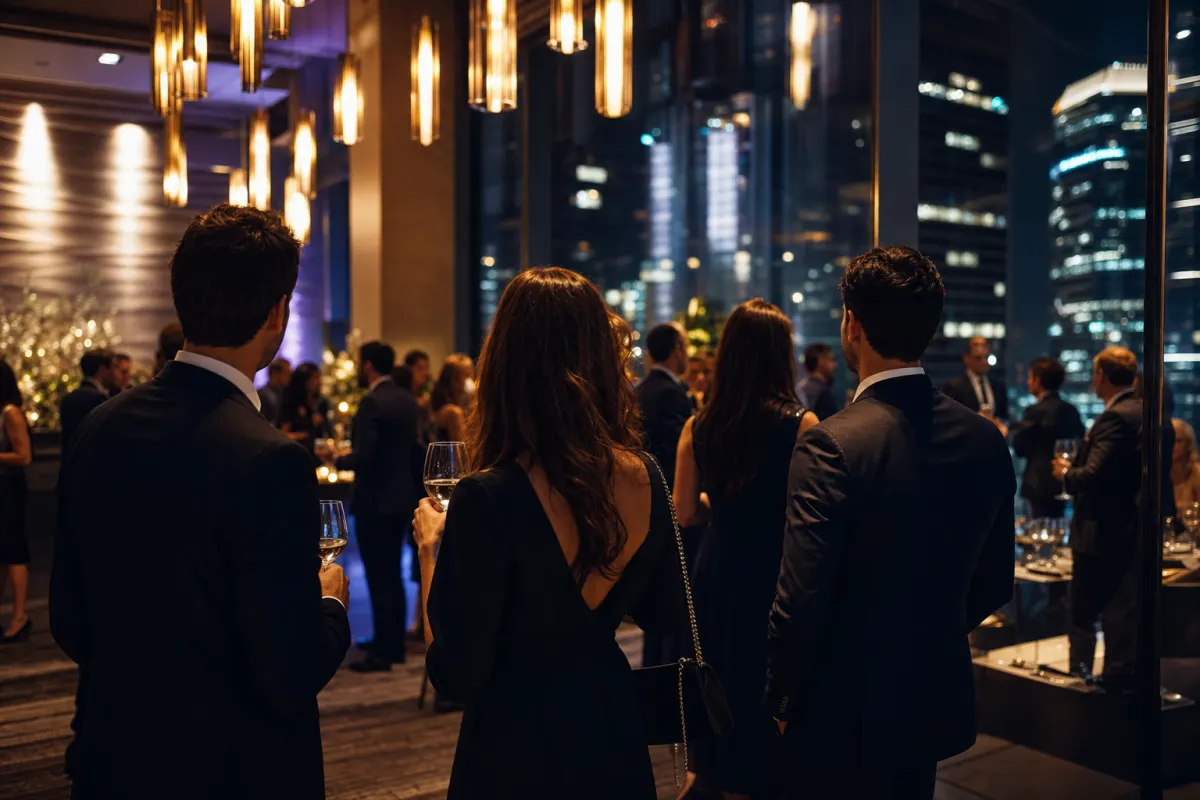
Take a typical Q4 client event: 180 attendees, evening at a city venue, mix of clients, employees, and partners. Setup the week before takes 25 minutes (gallery created, table cards designed and printed, registration form updated with photo-use consent, QR slide added to the program deck). On the night, the host mentions it twice. The events lead refreshes the gallery once an hour.
By midnight: 1,140 photos uploaded. The next morning the events lead downloads the full ZIP and shares the gallery link in the thank-you email; another 220 photos arrive over the next 48 hours. The marketing manager spends Monday afternoon tagging and selecting — three hours total — and lands on 47 photos for the social calendar, 8 for the careers page refresh, and 4 short clips for the next recruitment campaign.
That's the playbook. The companies that run it consistently across the year build a content library that compounds. The ones that don't keep buying stock photography to fill the same gaps.
Frequently asked questions
How do we handle GDPR consent for photos at a corporate event?+
Add a photo-use checkbox to the event registration form. Attendees opt in (or opt out) before the event. For internal use you generally only need a notice; for external marketing use you need explicit consent per person identifiable in a published photo. When in doubt, treat publication as the threshold that requires explicit consent.
Is a QR-code gallery suitable for confidential corporate events?+
Sometimes. The gallery itself can be password-protected so only attendees can access it. But if photos themselves are the confidentiality concern (whiteboards, NDA-relevant content visible in the background), the right answer is no event photography at all. Don't use this for events where attendees shouldn't be photographed in the first place.
What's the realistic upload rate for corporate vs. wedding events?+
Lower than weddings. A typical 200-person corporate event lands at 3–8 photos per attendee (600–1,600 total). Weddings of similar size land at 10–20 per guest (1,600–3,200 total). Corporate guests are less inclined to shoot constantly. For corporate the curation work matters more than raw volume.
Should we ban personal photography and rely only on the QR system?+
No. People will photograph anyway, and the QR system works alongside (it just gives them a place to share what they already shot). Banning is unenforceable and feels paternalistic. The exception: regulated environments where attendee photography has compliance implications.
How do we measure ROI on this program?+
Two metrics: collection rate (photos per attendee, healthy range 3–8 corporate) and use rate (photos published externally vs. collected, healthy range 5–10%). Beyond that, track LinkedIn engagement on event-content posts vs. stock-photo equivalents — the gap is the real value.
Can multiple team members access the gallery to download and curate?+
Yes — most platforms allow shared admin access or simply sharing the gallery URL with the comms team. For Evenero specifically, the same login email can access the gallery from any device, so the events team and the marketing team work from the same source.
What happens to the photos when the platform's storage period ends?+
On Evenero photos are retained for 24 months from the event date. Best practice for corporate is to download the full ZIP within a week of the event and store it in your own asset management system. The platform is the collection layer; your DAM is the archive.